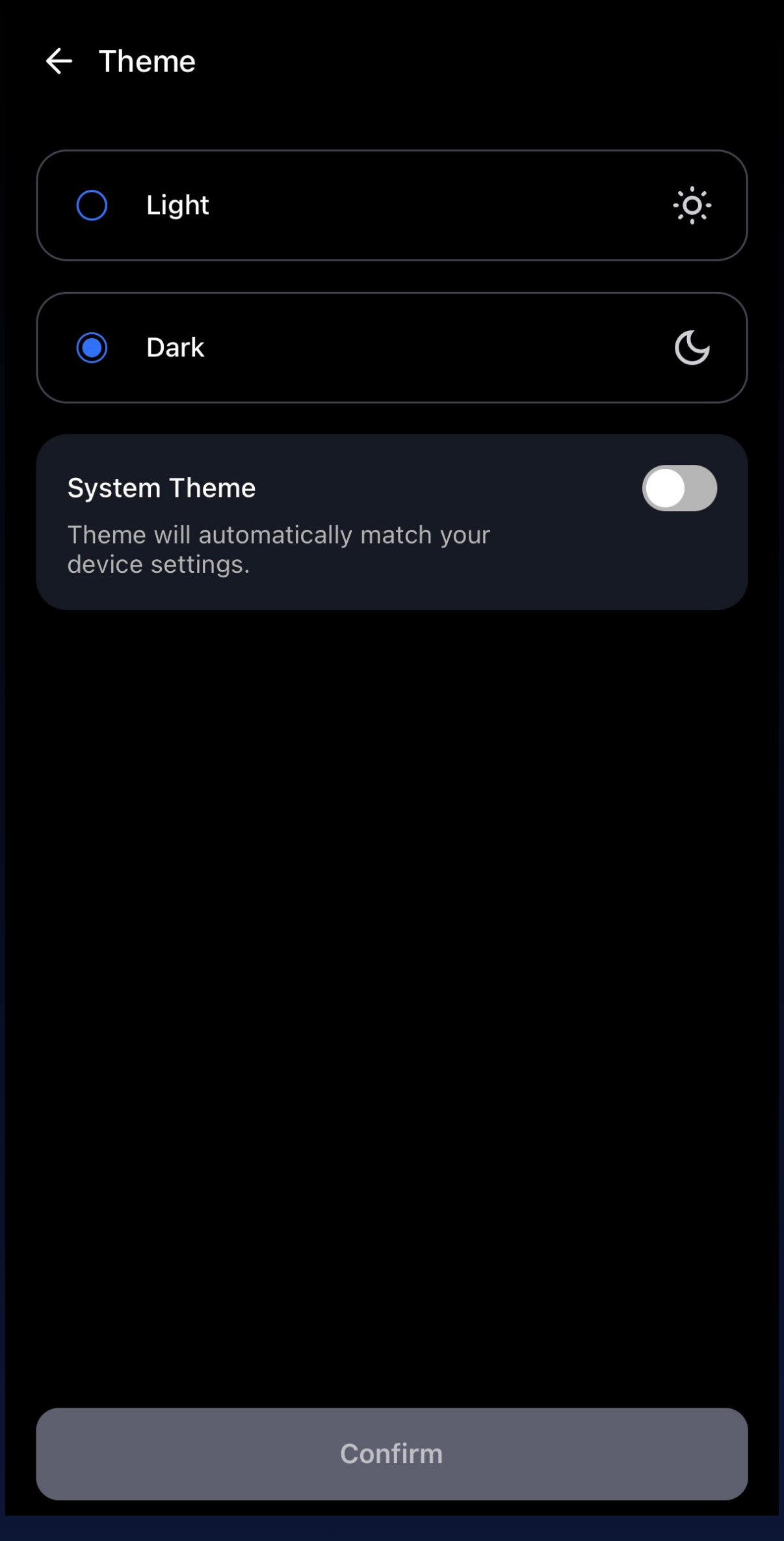
To turn on Light Mode in the CLEO Mobile Trading App, follow these steps:
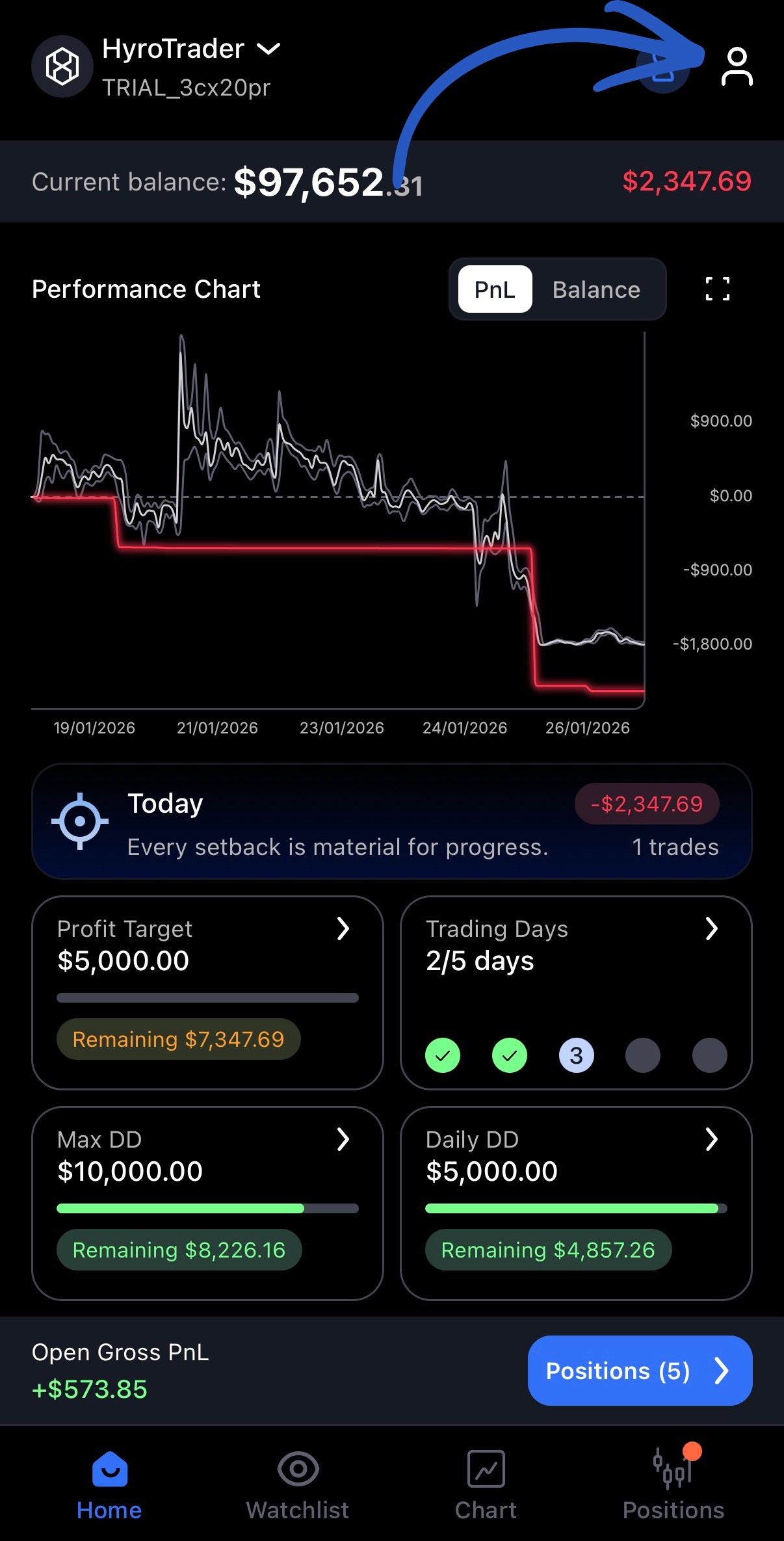
- Tap the Account icon in the top-right corner of your screen
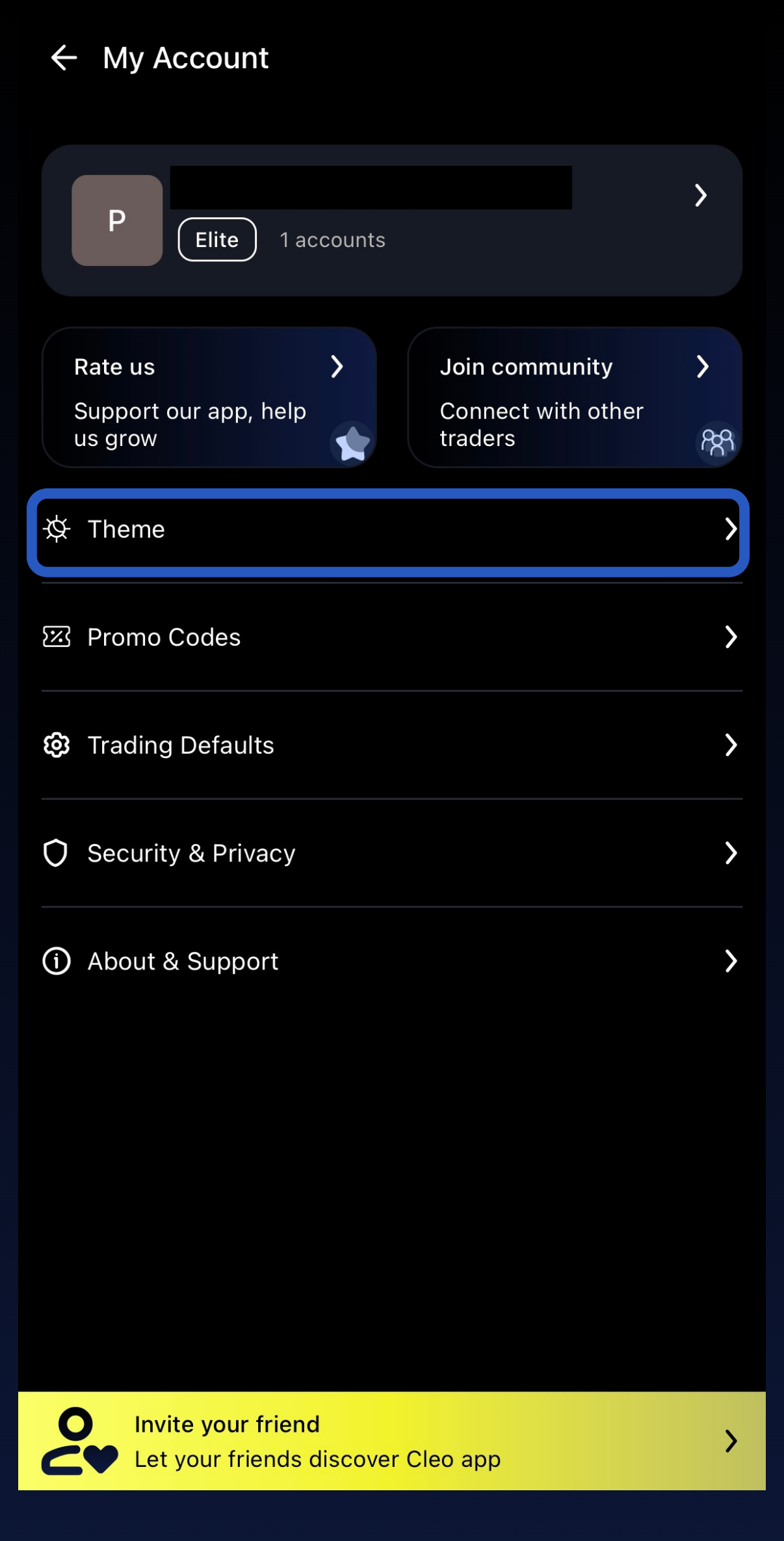
- Select the “Theme” option
3. Choose if you’d like to view the app in Light or Dark More. You can also set it to change with your system settings.