
In case you are having issues with biometric access to the app restart the access to it:
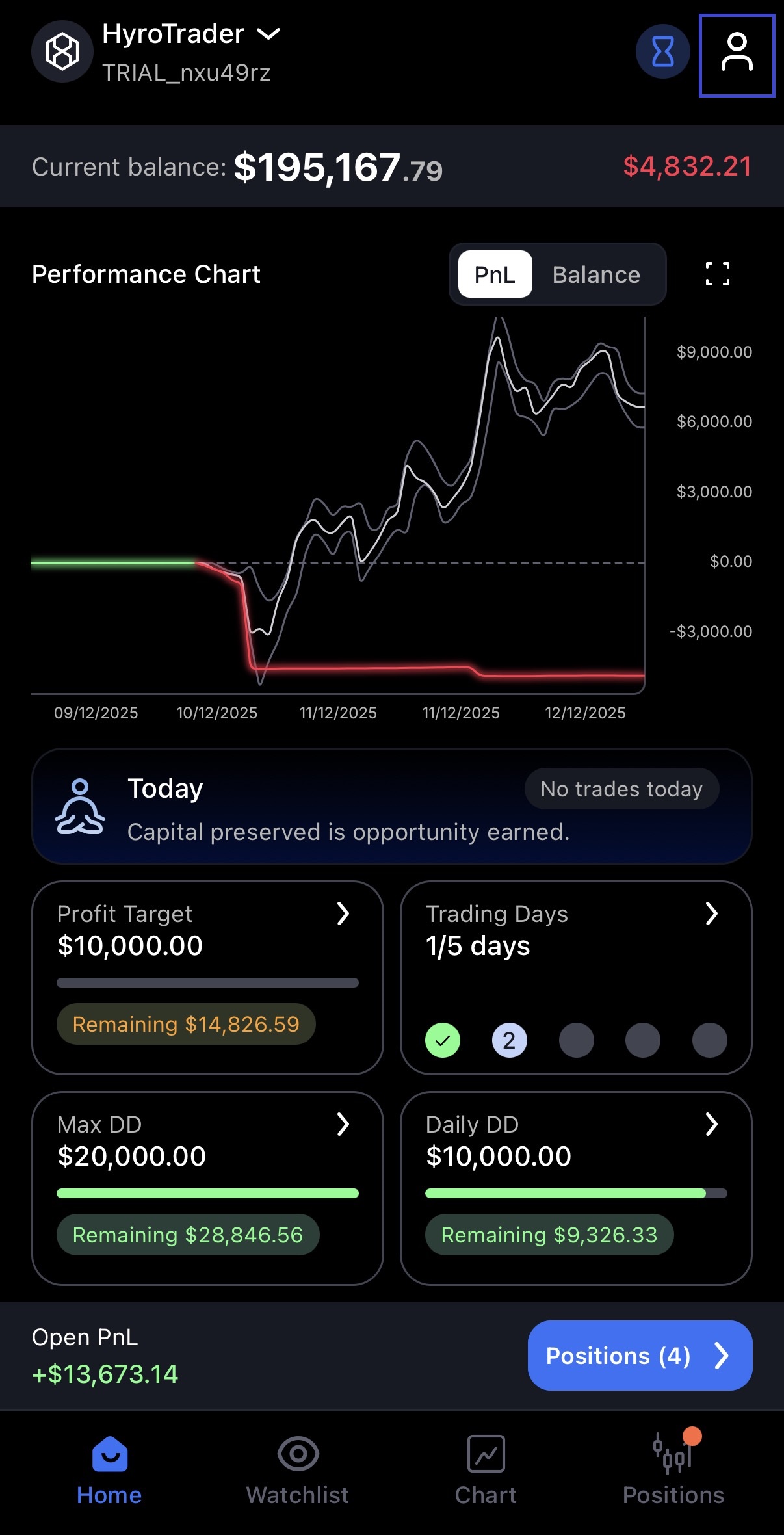
1. Head to Account Settings
2. Select Security & Privacy
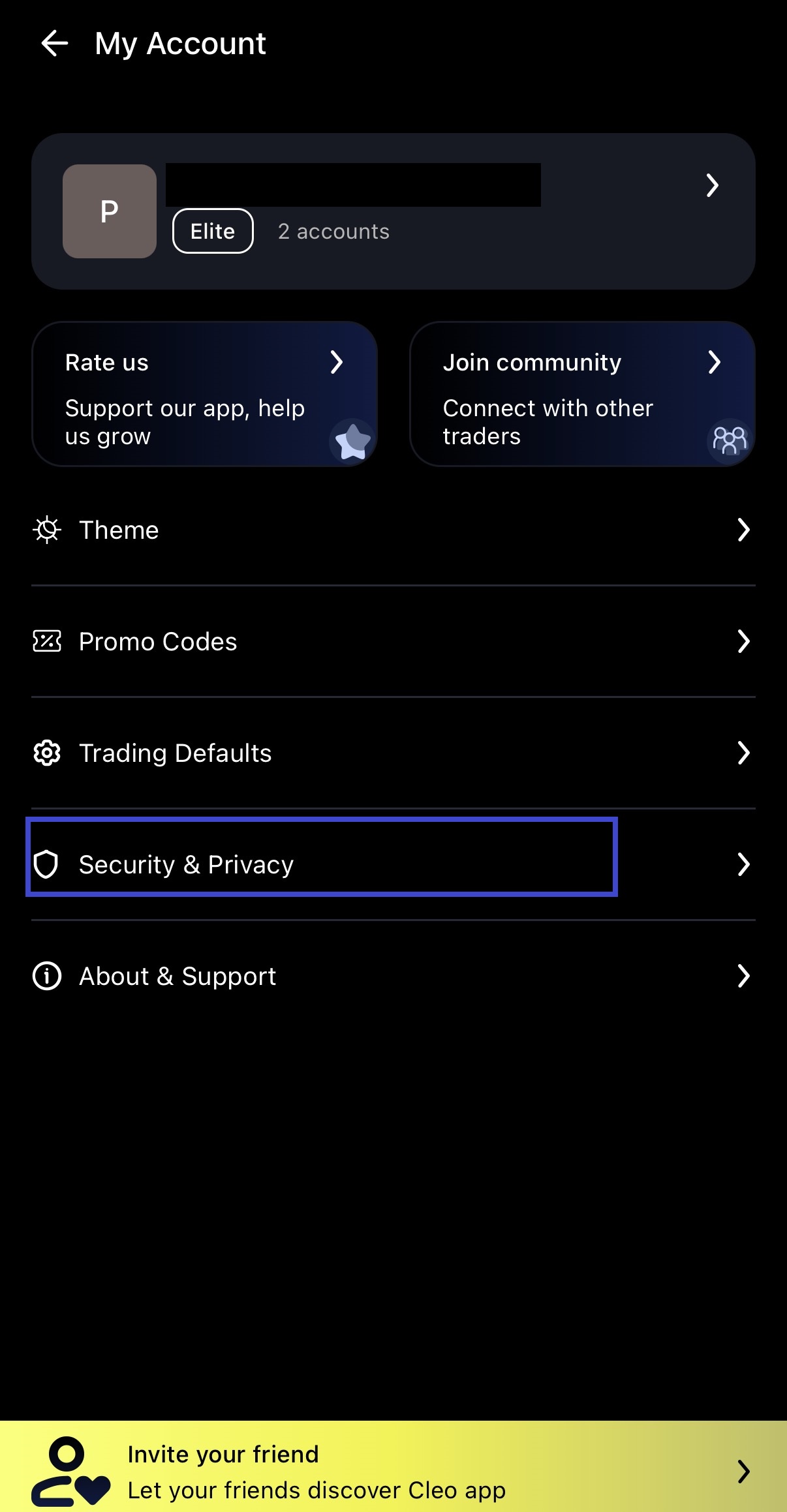
3. Turn Biometrics off and then on again

This should clear out any issues you might be having with accessing the mobile app.
If any problems persist please contact us.
Check further guides on the CLEO Trading Platform here or specificaly details about the Mobile Trading App.